A preview that tells the truth.
Most previews render your markdown somewhere else, in different colours, with the interactive parts missing. This one runs the page through the real renderer, in the real theme, from your unsaved changes.
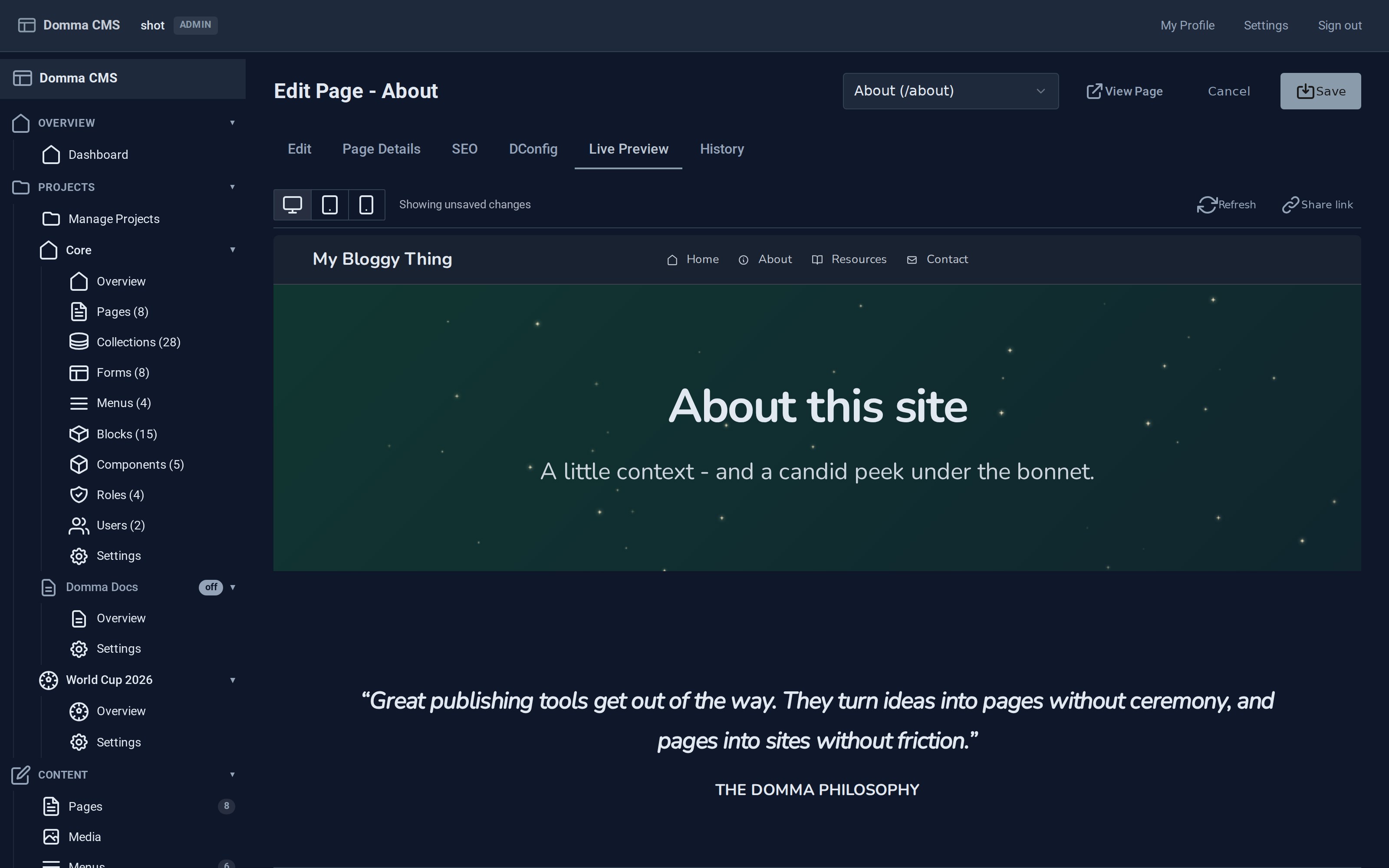
The whole page from unsaved changes, at desktop, tablet or phone width, with a share link one click away.
The whole page, before you save.
The Live Preview tab renders the current editor contents through the same code path that serves the public site, so components run, colours are right, and what you see is what a visitor gets.
The preview and the Save button read the page's metadata through the same function on purpose. Fork them and the preview starts lying.
Review a draft in its actual context.
A page marked as a draft still returns a 404 to the public. An editor with permission gets the real page, on its real URL, with a banner saying it is a draft.
Why this matters. A preview in a box tells you the page renders. It does not tell you whether the header sits right above it, whether the navigation highlights correctly, or how it reads after the section before it.
Draft renders are never cached and carry instructions not to index them.
Share links you can take back.
Mint a signed URL from the Live Preview tab and send it to a client. They see the unpublished page without an account, a password, or a screenshot in an email.
Links are tracked in a server-side index, so revoking one actually withdraws it. A signed token on its own can never be taken back before it expires.
Browse the history of a page, compare two versions, and restore one in a click. Experiment without keeping your own backups.
Who sees what, enforced on the server.
A page can be public, private, or restricted to a role you defined. The check happens in the renderer, against the visitor's role level, before the page is built. It is not a class that hides content in a browser.
Markdown, with the components built in.
Over thirty content shortcodes and a full set of motion effects, inserted from a dialog with a live preview of what you are about to drop in. Or type them, if you already know them.