Showcase / Components
Interaction - ComponentsLittle pieces that do something.
A component is a small, self-contained piece of a page with its own behaviour - press it, and it responds. You write one in the admin, in one file, with a live preview beside you. Then any page can use it with one line. Five come with every site; press the buttons below.
counter
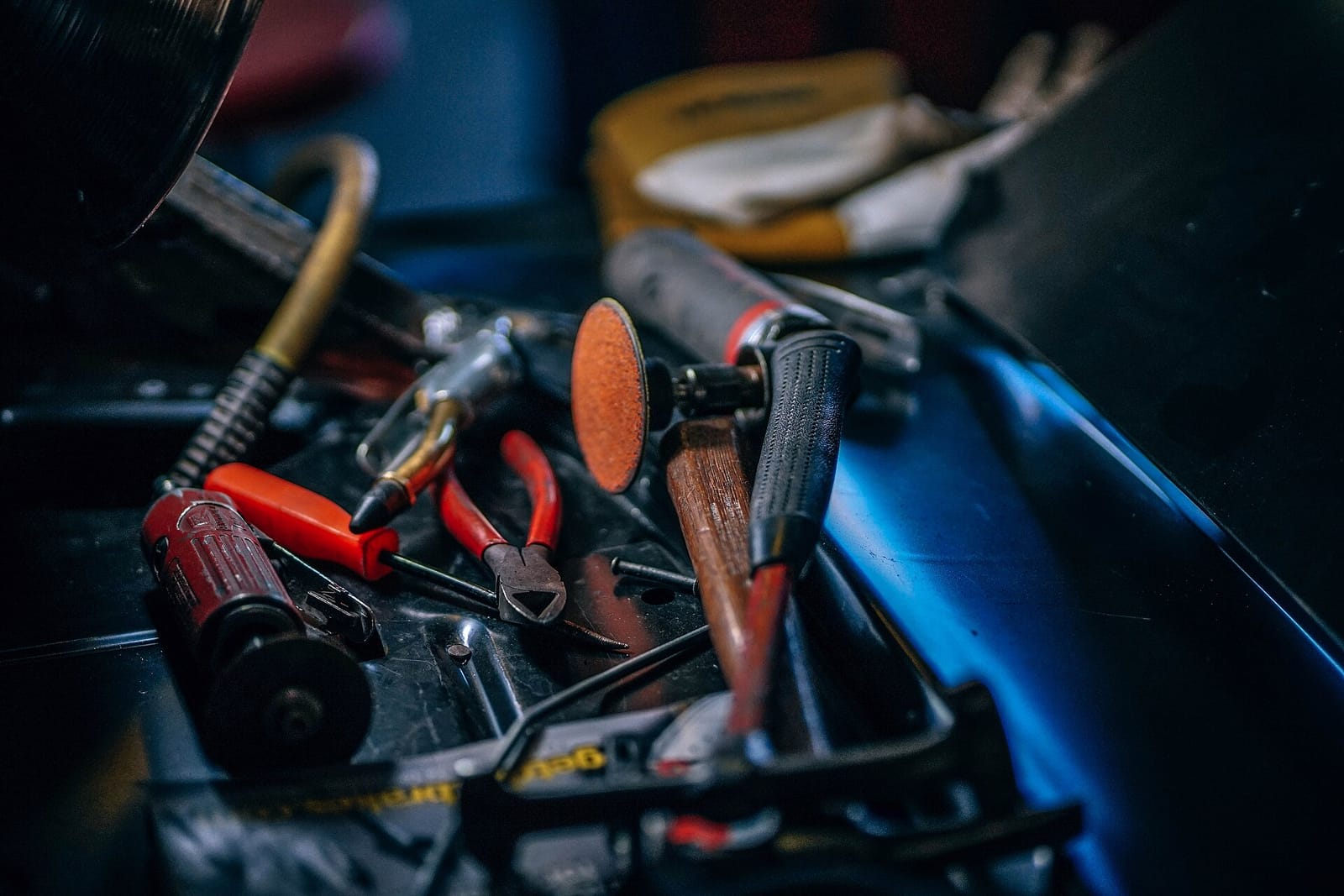
Chisels on the bench. Press + and -.
[component name="counter" initial="12" step="1" /]
countdown-timer
To the (imaginary) Attercliffe opening.
[component name="countdown-timer" target="2027-06-01T09:00:00" /]
copy-button
npx domma-cms my-site
Copies the install command to your clipboard.
[component name="copy-button" text="npx domma-cms my-site" label="Copy command" /]
testimonial-card
[component name="testimonial-card" quote="..." author="Sarah Whitfield" role="ACME Ltd" /]
One file: markup, settings, behaviour, style.
A component has up to four parts, each a tab in Data > Components: the template it draws, the props a page can set (with defaults and labels), the script that makes it respond, and optional style that stays inside it and never leaks into your page.
The editor recompiles the preview as you type. Components export and import as a bundle, so you can move one from site to site. Tools can ship components of their own too.
The counter, most of it
<template>
  <div class="value">{{count}}</div>
  <button data-action="dec">-</button>
  <button data-action="inc">+</button>
</template>
<props>
  { "initial": {"type": "number", "default": 0},
    "step":    {"type": "number", "default": 1} }
</props>
<script>
export default {
  data() { return { count: 0 }; },
  methods: {
    inc() { this.set({ count: this.data.count + this.props.step }); },
    dec() { this.set({ count: this.data.count - this.props.step }); }
  },
  onMount() { this.set({ count: this.props.initial }); }
};
</script>
Shaping data, or doing something?
If you are laying out data you already have, you want a block - like the milestone design or the catalogue cards. If the visitor should be able to press it, you want a component. A block can contain a component.