Theming a site without a designer
Built-in themes, automatic day and night, re-theming one region of a page, and - with Theme Roller - themes of your own. How far you can take a Domma site's look without writing CSS.

Most small organisations do not have a designer on call. They have a logo, a couple of brand colours and a strong opinion about fonts. Domma CMS is built so that is enough.
Start from a theme
Every Domma CMS site ships with 37 built-in themes: 28 for the public site - fourteen palettes, each in a light and a dark version - and nine for the admin itself. The site and the admin are themed separately, so the people editing the site can pick what is comfortable to work in without changing what visitors see.
Themes are not skins bolted on top of a design. Every component - cards, buttons, forms, tables, menus, the collection displays - takes its colours from the same set of theme tokens, so changing the theme changes everything consistently, including the parts you added last week. Contrast was checked across the themes too; where a theme's main colour was too pale to read as link text, links now use a darker shade of it.
Typography is in the same screen: eighteen font families, from Inter and Lato to Merriweather and Atkinson Hyperlegible, or the visitor's system font, and a base size from 13 to 20 pixels.
Day and night
Automatic day and night switches between two themes at set times - 07:00 and 19:00 unless you choose otherwise - in the visitor's own time. You can also offer visitors a theme switcher, a small floating disc of theme dots, and choose where it sits and which themes it offers.
One page, one region
Two finer controls cover the cases a single theme does not:
- A page's own theme. A landing page for an event can use a different theme from the rest of the site, set in the page's details.
- Element overrides. Give a region a different theme - a light navbar on a dark site, a dark footer on a light one, a panel in your brand colour. You name the region with a CSS selector and give it a whole theme, individual token values, or a few lines of CSS. The admin shows the generated CSS, and refuses selectors and values that would be unsafe.
The theming showcase re-themes three panels on one page, and the tutorial Theming a brand walks through the whole screen.
Your own themes with Theme Roller
When the built-in palettes are close but not quite right, Theme Roller - a Pro Tool - lets you make your own. You start from any built-in theme, change its colours, fonts, spacing and borders with a live preview of the admin, and save it. A saved theme then appears alongside the built-in ones everywhere a theme is chosen: the site, the admin, the day and night themes, and a region of a page.
Two details make it safe to use on a live site. Changing a theme that is in use clears the page cache, so visitors see the change. And each custom theme remembers the built-in theme it started from, so if Theme Roller is ever switched off, the site falls back to that base rather than losing its look.
Where CSS still fits
For the last few percent there is one site stylesheet, Custom CSS, which always loads last so it always wins. It is edited in Site Settings, in the page editor's CSS pane, or in Theme Roller's Custom CSS tab. Most sites need very little of it - the point of the rest of this post is that you should not have to start there.
Read more on the Theming feature page.
Keep reading
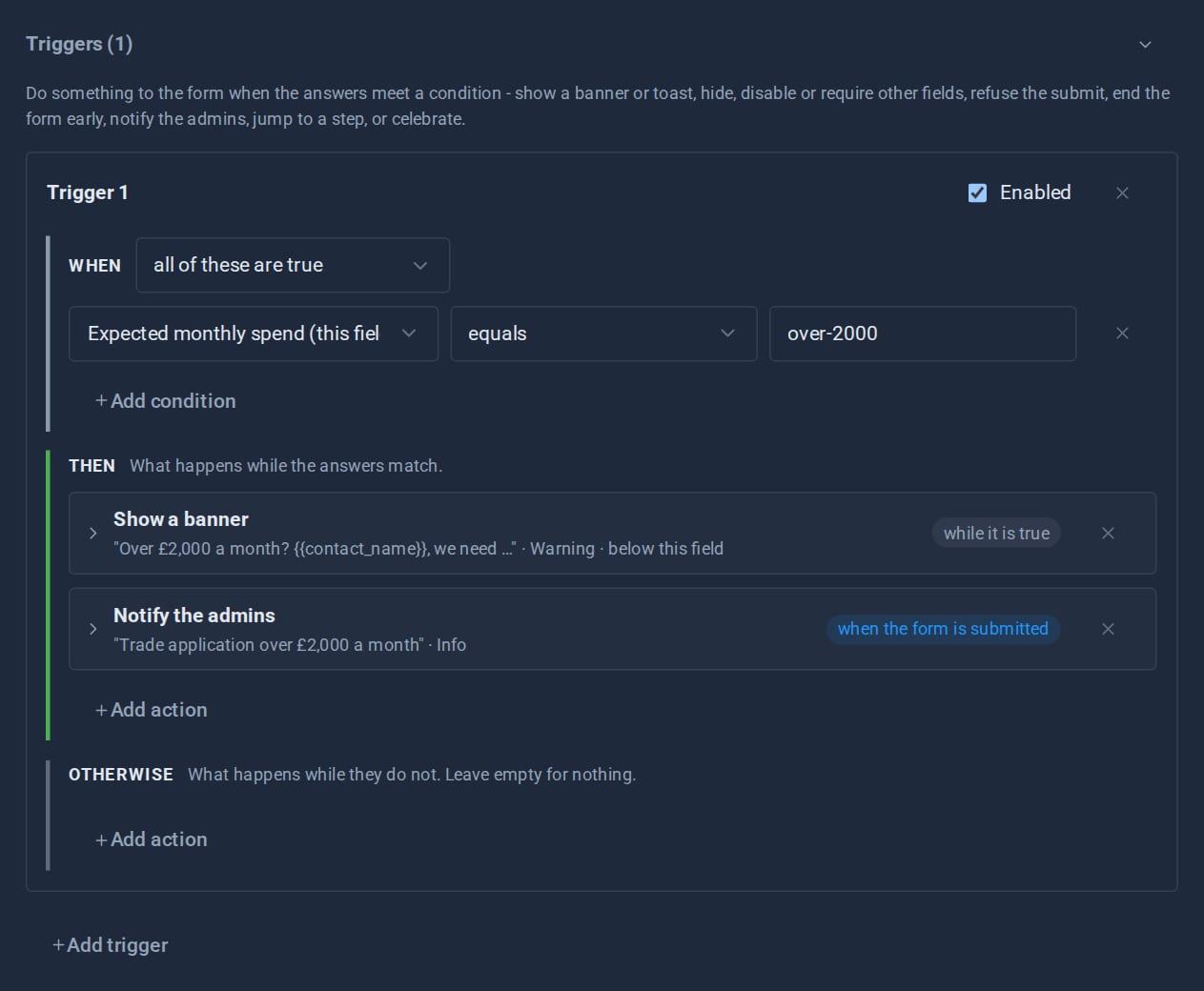
Forms that react: triggers and conditional logic
Show a field only when it matters, warn before a visitor goes further, end a form early, jump a wizard step, tell the admins - all set up in the form editor, and all re-checked on the server.
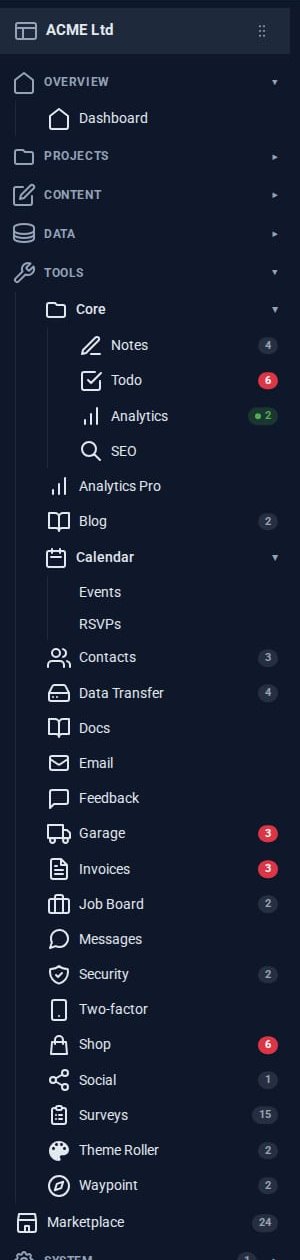
The Pro Suite: one umbrella, not nineteen apps
A small business usually pays for a mail app, a CRM, an invoicing service, a shop, a project board and a survey tool - and copies data between them. The Pro Tools share one admin instead.

Why Domma never uses eval
Knockout-style bindings usually mean compiling strings into code at runtime. Domma Reactive parses them by hand instead, so it runs under a strict Content Security Policy.