Talk to your team without leaving the admin.
Private chat for the people who sign in to your site. Direct messages, group conversations and shared files, delivered the moment they are sent, with an unread badge so nothing is missed.

Conversations that stay with the work.
Live, not refreshed
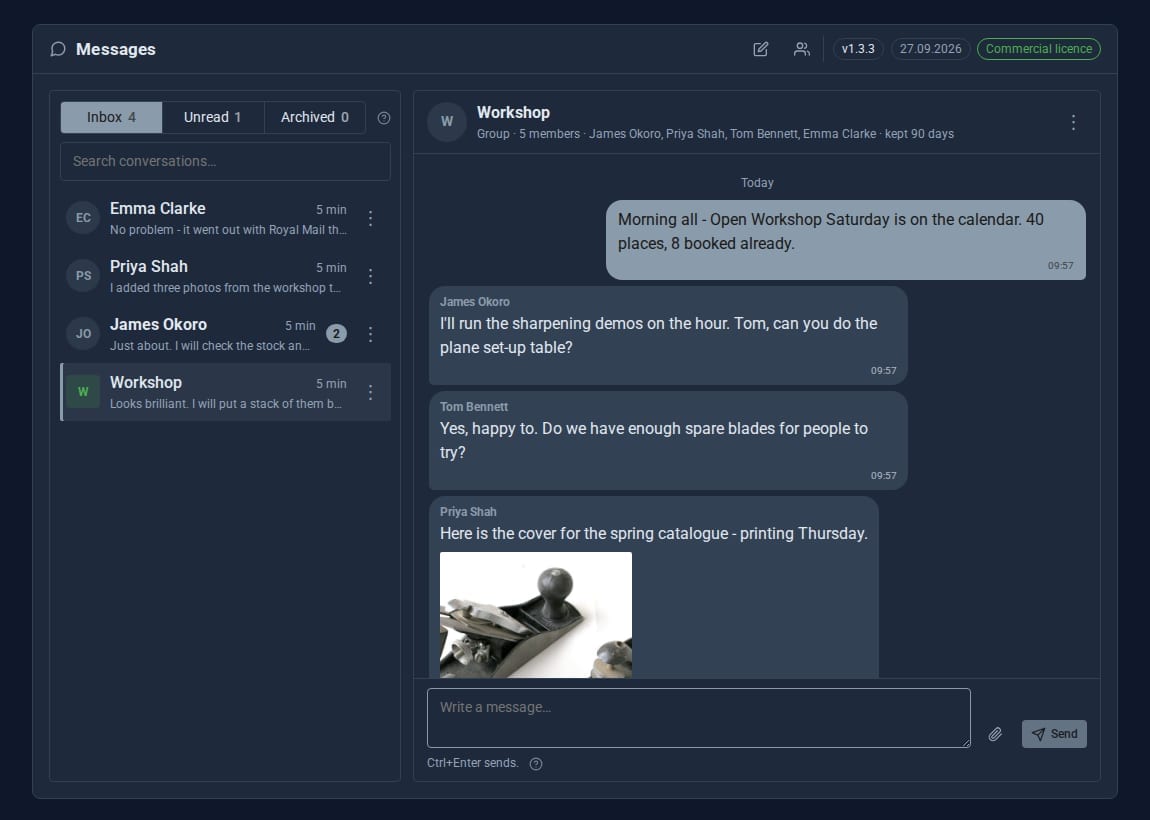
New, edited and deleted messages appear instantly for everyone in the conversation.
Direct, group or managed
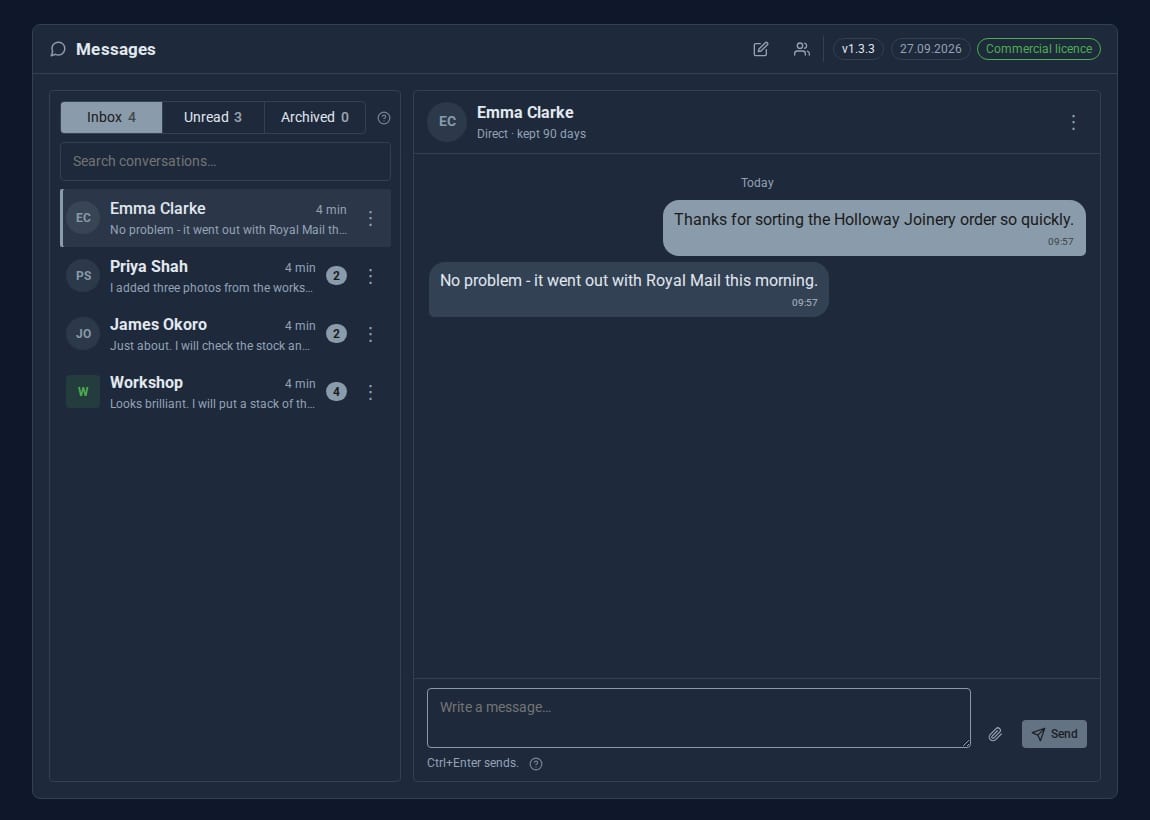
One conversation per pair, ad-hoc groups for a project, and standing groups such as "Editors" that only an admin can create.
Share files
Attach up to 20 files to a message. They go into your Media library, backed up with the rest of the site.
Nothing slips through
An unread badge on the sidebar entry, and a notice when a message has waited ten minutes. Reading it clears the notice.
Drafts that wait
Half-written replies are kept per conversation, attachments included, so you can switch away and come back.
Rules on the server
Who may message whom is checked by the server: admins reach everyone; others reach admins, people sharing a role and people they already talk to.
See it at work
Screens from our demo company, ACME Ltd. Every name and figure in them is made up.
See it in 5 minutes
Your first conversation, from a standing start.
- Open Messages in the admin sidebar.
- Click New conversation in the banner.
- Choose Direct message or Group, and give a group a name.
- Use Find someone... to pick who to talk to, then start the conversation.
- Type a message and press Send, or Ctrl+Enter.
- Right-click a conversation to archive it, mark it unread or choose how long its messages are kept.
Built for a real team.
- Inbox, Unread and Archived lists with a search. Archiving only tidies your own list.
- Edit your own message for 15 minutes after sending. Delete leaves "message deleted" in its place.
- Retention per conversation: keep messages for as many days as you choose, up to a site-wide ceiling (90 days by default, 365 at most).
- Keyboard first: Ctrl+Enter sends; Shift+F10 opens the menu on any conversation or message.
Good to know.
- One permission, Messages - Use, given to Admin and User by default. Take it from a role and the Tool disappears for them.
- Attaching files needs the Media upload permission. Admins have it; give it to other roles when they should share files.
- Messages is for signed-in users of your admin. Nothing appears on the public site.
Goes well with
Give your team a place to talk.
Messages is a Pro Tool. Tell us about your site and we will set it up for you.