One collection, eight looks
Define your data once, then show it as a table, cards, a list, an accordion, a timeline, a carousel, a list group or your own block template - and let visitors search and filter it.
A lot of website content is really a list of similar things: team members, products, events, FAQs, stockists, job adverts. Pasting each one into a page works until you want to change how they look, sort them differently, or show the same data in two places. Domma CMS collections separate the data from how it is shown.
Data with a schema
A collection is a set of entries with defined fields - text, numbers, dates, choices, images, files, references to other collections and more. You design it in Data > Collections, and entries are edited through forms generated from that schema, so nobody has to know Markdown or JSON to add a new product.
Collections are stored as files by default. When one grows large or needs to be shared, it can be moved to MongoDB - and the move keeps every entry's id and date, so references and links pointing at them still work.
One shortcode, eight displays
Putting a collection on a page is one line:
[collection slug="products" display="cards" columns="3" /]
Change display and the same data takes a different shape:
- table - the default: search, sort, paging and a column chooser
- cards - a responsive grid
- list - compact rows
- accordion - title and body, one open at a time or several
- timeline - vertical, centred or horizontal, as a timeline or a roadmap
- carousel - with autoplay and your own image field
- listgroup - flush, numbered or horizontal
- block - each entry rendered through a reusable block template you design yourself
The eight looks showcase shows one collection in all eight, side by side, and the tutorial One collection, eight looks builds it step by step.
Choosing what to show
Every display shares the same controls: fields to pick columns, sort and order, limit, and where filters such as where_location="London" or where_price_lte="150". The same filter engine runs behind collections, Saved Views and the external API, so a rule you learn once works everywhere.
scope="mine" shows each signed-in visitor only their own entries - the basis of member dashboards, application trackers and "my orders" pages - without a separate page per user.
Let visitors do the searching
Add searchable, sortable, filterable="category,brand" or paginate and a static display becomes a Collection Browser: a search box, a sort menu and a filter rail whose controls come from the schema - a dropdown for a choice field, a range for numbers, dates for dates. The state lives in the address, so a filtered view can be bookmarked or shared.
On top of that, every collection display has a right-click menu for visitors: filter by this value, sort by this column, export what you can see, print it. Export follows its own permission, so you decide who may take the data away.
When a list is not enough
For grouping, totals and joins, Saved Views run a pipeline over a collection - filter, group, sum, look up related entries - with the result shown by the same [view] shortcode in any of the eight displays. The report showcase has two built on the ACME demo catalogue.
Why it matters
The payoff is not the eight displays; it is that you stop rewriting content to change its presentation. Add a product once and it appears on the shop page as cards, in the footer as a list and in the admin as a table - and when the design changes, you change a block template, not forty pages.
Start with Your first collection, or read the Collections feature page for everything the schema can hold.
Keep reading
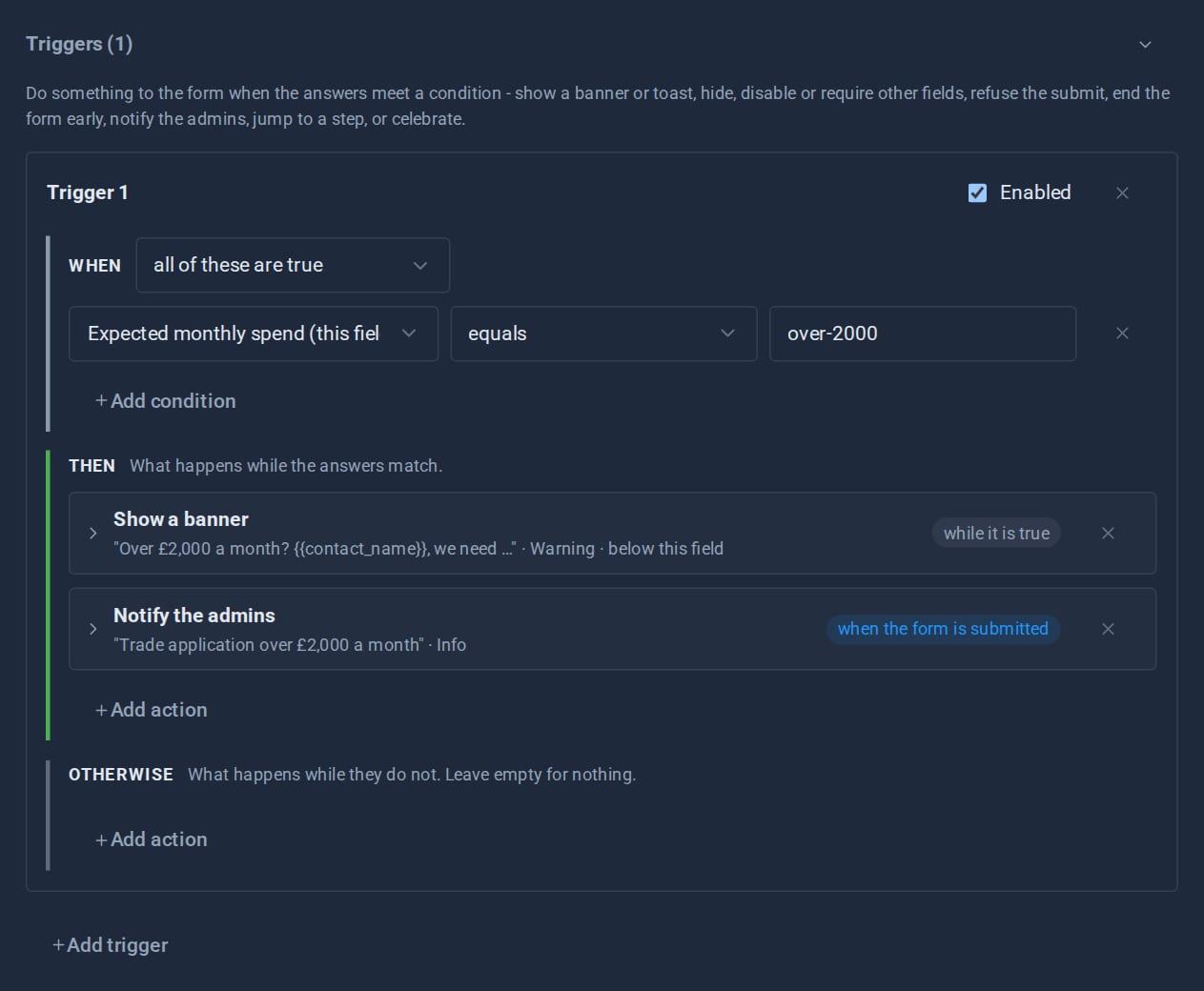
Forms that react: triggers and conditional logic
Show a field only when it matters, warn before a visitor goes further, end a form early, jump a wizard step, tell the admins - all set up in the form editor, and all re-checked on the server.
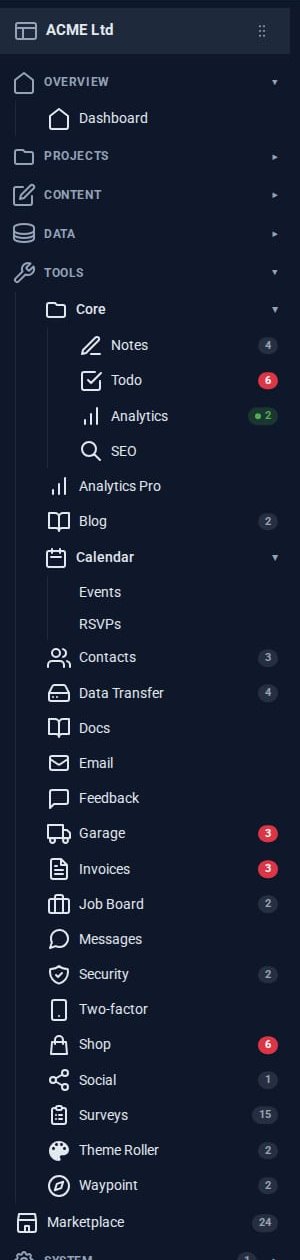
The Pro Suite: one umbrella, not nineteen apps
A small business usually pays for a mail app, a CRM, an invoicing service, a shop, a project board and a survey tool - and copies data between them. The Pro Tools share one admin instead.
Theming a site without a designer
Built-in themes, automatic day and night, re-theming one region of a page, and - with Theme Roller - themes of your own. How far you can take a Domma site's look without writing CSS.