Right-click menus you author yourself
Domma CMS lets you give any region of your public site its own right-click menu - built in the admin, bound by selector, and without a line of JavaScript.
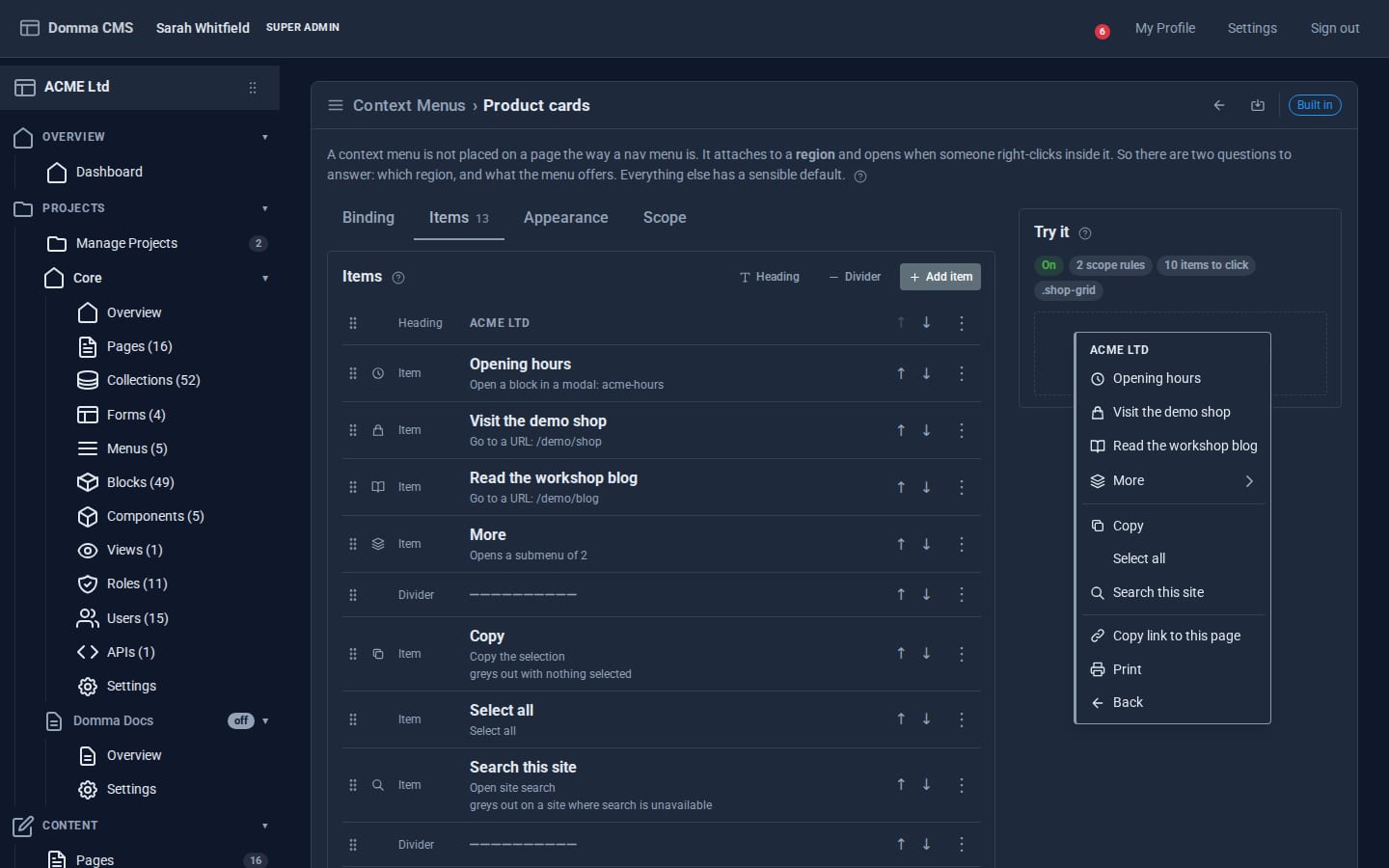
Right-click is one of the most used gestures on a computer and one of the least used on the web. Most sites either leave the browser's menu alone or hijack it with a script that nobody else can change. Domma CMS treats it as content: you build a context menu in the admin, point it at a part of your site, and visitors get it when they right-click there.
Bind it to a region
A context menu is attached to a region of the page, named by a CSS selector - .product-grid, #pricing, .page-body. Two optional refinements narrow it further:
- Match - only claim right-clicks on descendants that match, such as
[data-entry-id]for one card in a list. - Exclude - let clicks on some descendants fall through, typically
a, button, input, so links and form fields keep the browser's own menu.
Then choose where it applies: site-wide, or only on chosen pages or projects. A menu can have a priority, and when two regions overlap you decide whether the inner one appends its items, prepends them, or shows only its own.
Items and actions
Items can be plain items, headings, dividers, checkboxes or radio buttons, with an icon and an optional keyboard hint. Each item does one thing from a fixed list:
- navigate to a URL
- filter, search, sort or export a collection display on the page
- copy-link or print
- open-modal - render one of your blocks in a modal, such as opening hours or a price list
- run-action - run one of your CMS Actions
- the things a browser's own menu offers: reload, back, forward, copy, cut, paste, select all and site search
That list is deliberate. There is no "run this JavaScript" option, because a stored script that runs on every public page is a security problem waiting to happen. The browser-style specials also behave like the real thing: Copy greys out when nothing is selected, Paste greys out outside an editable field, Back greys out with no history behind the page. Greyed out rather than hidden, because a menu that changes shape depending on where you clicked is disorienting.
See it before visitors do
The editor has a Try it panel. Right-click it and you get exactly the menu a visitor will get, with the current items, appearance and nesting rule - no saving and hunting for the page. The Appearance tab sets the accent colour, corner radius, transition, density and scale, so the menu matches the site rather than looking like a browser dialog.
Items can be dragged into order in the editor, or moved with Alt+Up and Alt+Down.
Why it does not fight other menus
Every context menu in Domma CMS registers with the framework rather than listening on the document. When you right-click, Domma walks outward from what you clicked and the nearest menu answers. That is why an authored menu on a region and the built-in collection menu (filter, sort, export on any collection display) can live on the same page without one stealing the other's clicks, and why script load order never decides the winner.
Try it
- Right-click almost anywhere on the Context menus feature page - it has a menu of its own.
- The live showcase binds a demo menu to one panel, with a modal and a submenu.
It is one of those features that sounds like a gimmick until you use it on a directory, a shop or a documentation site, where "copy link to this", "filter by this" and "print this" are exactly what people reach for.
Keep reading
Forms that react: triggers and conditional logic
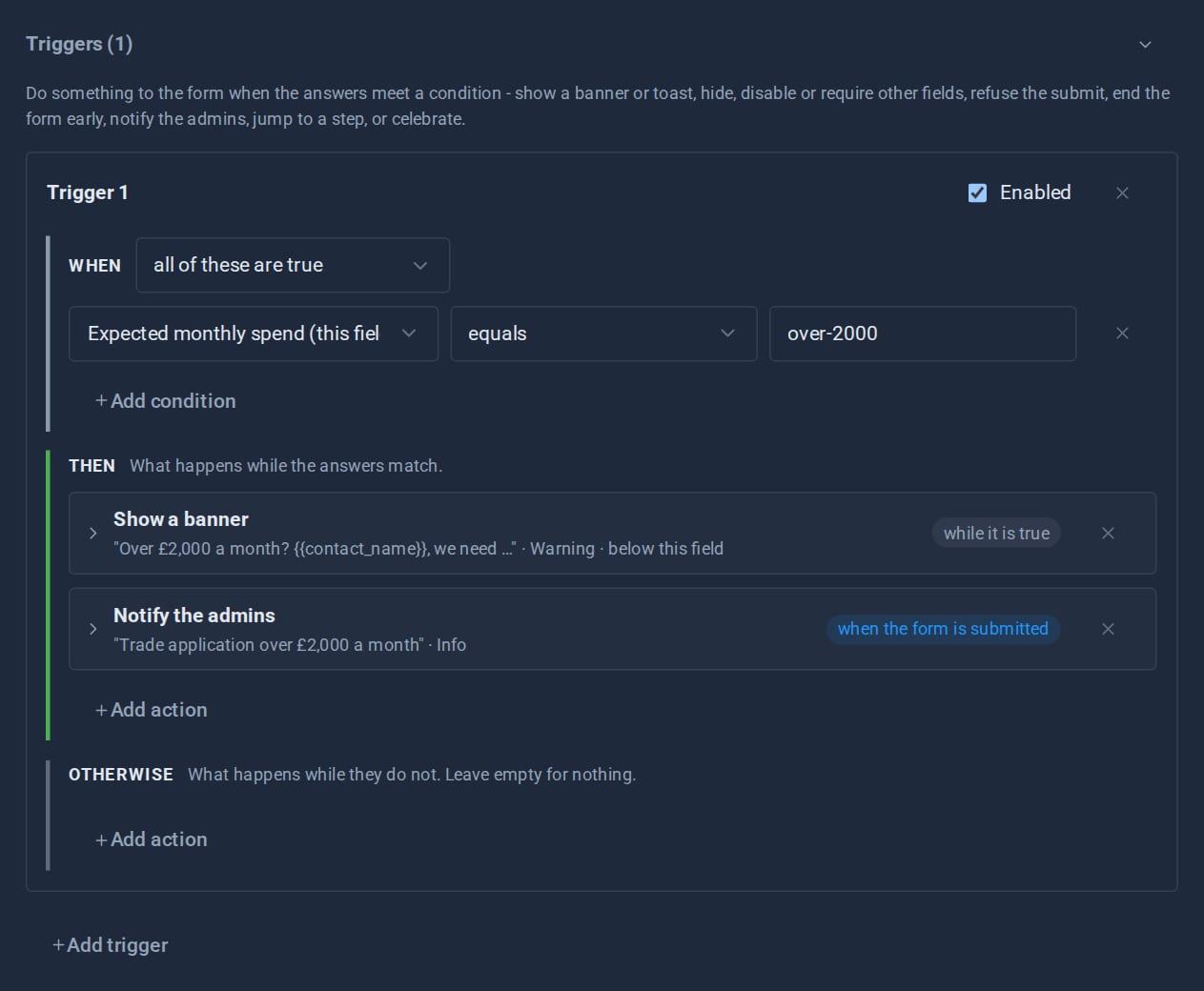
Show a field only when it matters, warn before a visitor goes further, end a form early, jump a wizard step, tell the admins - all set up in the form editor, and all re-checked on the server.
The Pro Suite: one umbrella, not nineteen apps
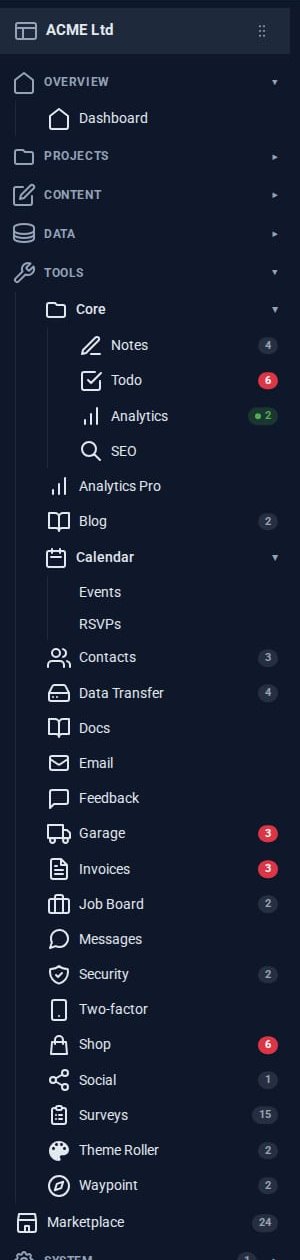
A small business usually pays for a mail app, a CRM, an invoicing service, a shop, a project board and a survey tool - and copies data between them. The Pro Tools share one admin instead.
Theming a site without a designer
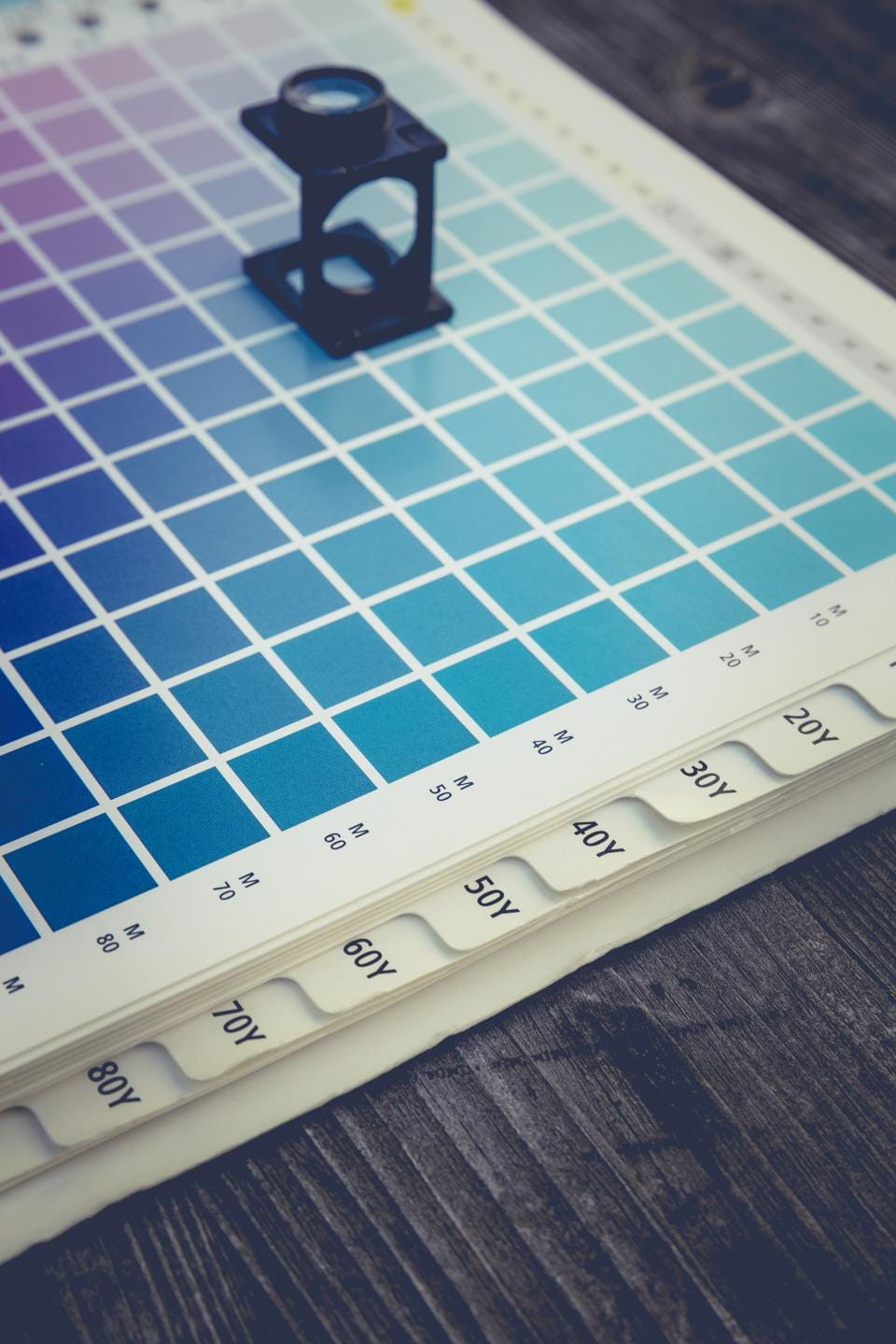
Built-in themes, automatic day and night, re-theming one region of a page, and - with Theme Roller - themes of your own. How far you can take a Domma site's look without writing CSS.