Your events, your team's diary and a public what's-on page.
Calendar gives the admin a month, day and list view of everything that is happening, and gives your visitors a public events page with RSVPs and a feed they can subscribe to. Repeating events, reminders, sharing with your team and invitations to your contacts are all built in.
What Calendar does for you
Month, day and list
Keyboard-friendly views: arrows change month, T for today, N for a new event. Right-click a day to add one.
Repeating events
Daily, weekly on chosen days, monthly or yearly, until a date or a number of times. Cancel one date without cancelling the rest.
A public events page
A month grid or list at /calendar, a page per event with an RSVP form, and an iCal feed visitors can add to their own calendar.
Share with your team
Share an event with everyone, a role or named people. Or keep it private and send a private link.
Reminders
Be told 15 minutes, an hour or a day before. Organisers hear about each new RSVP.
Everything in one place
Your to-dos and your contacts' birthdays can show on the calendar too, outlined and just for you.
A look inside
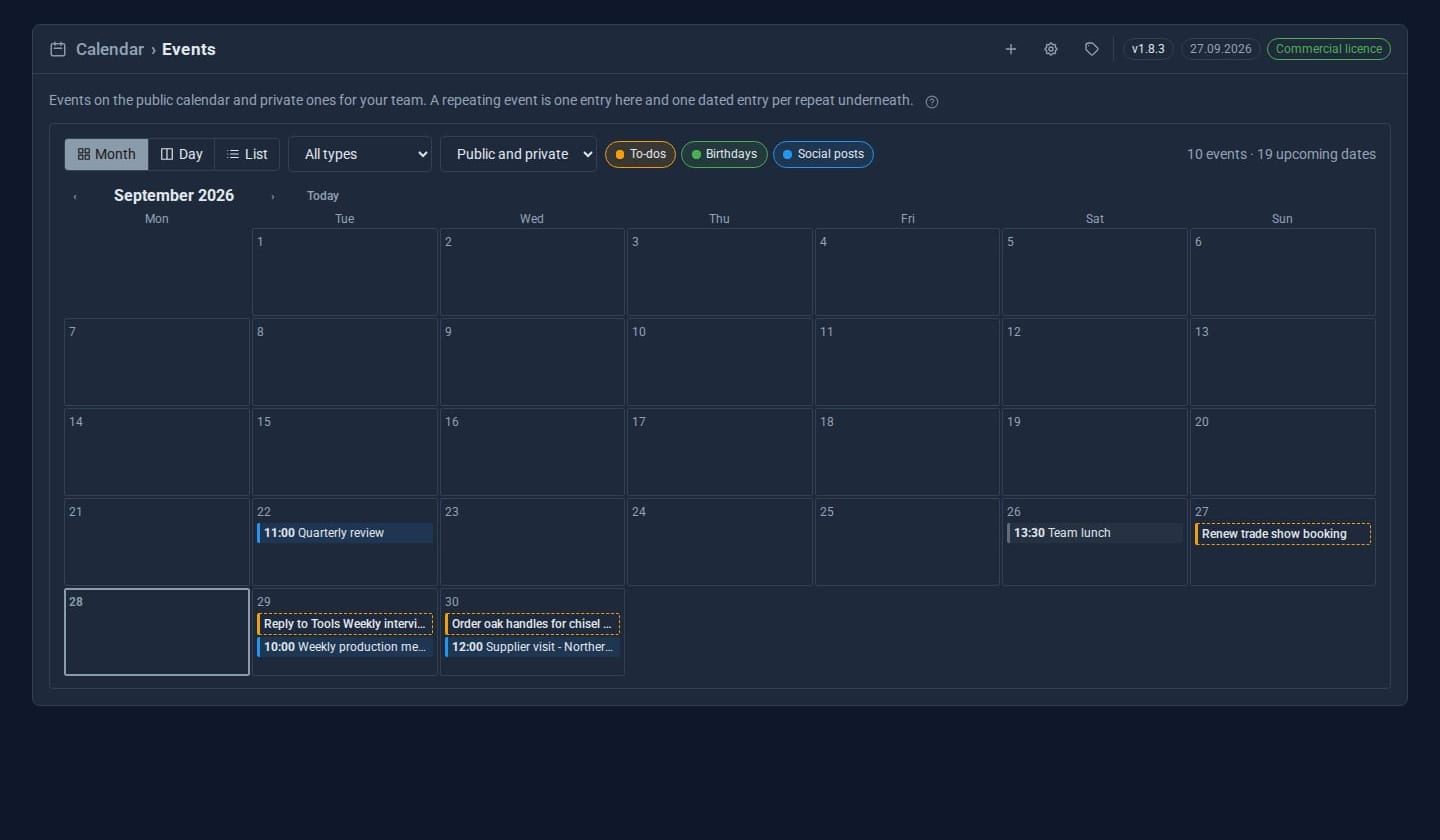
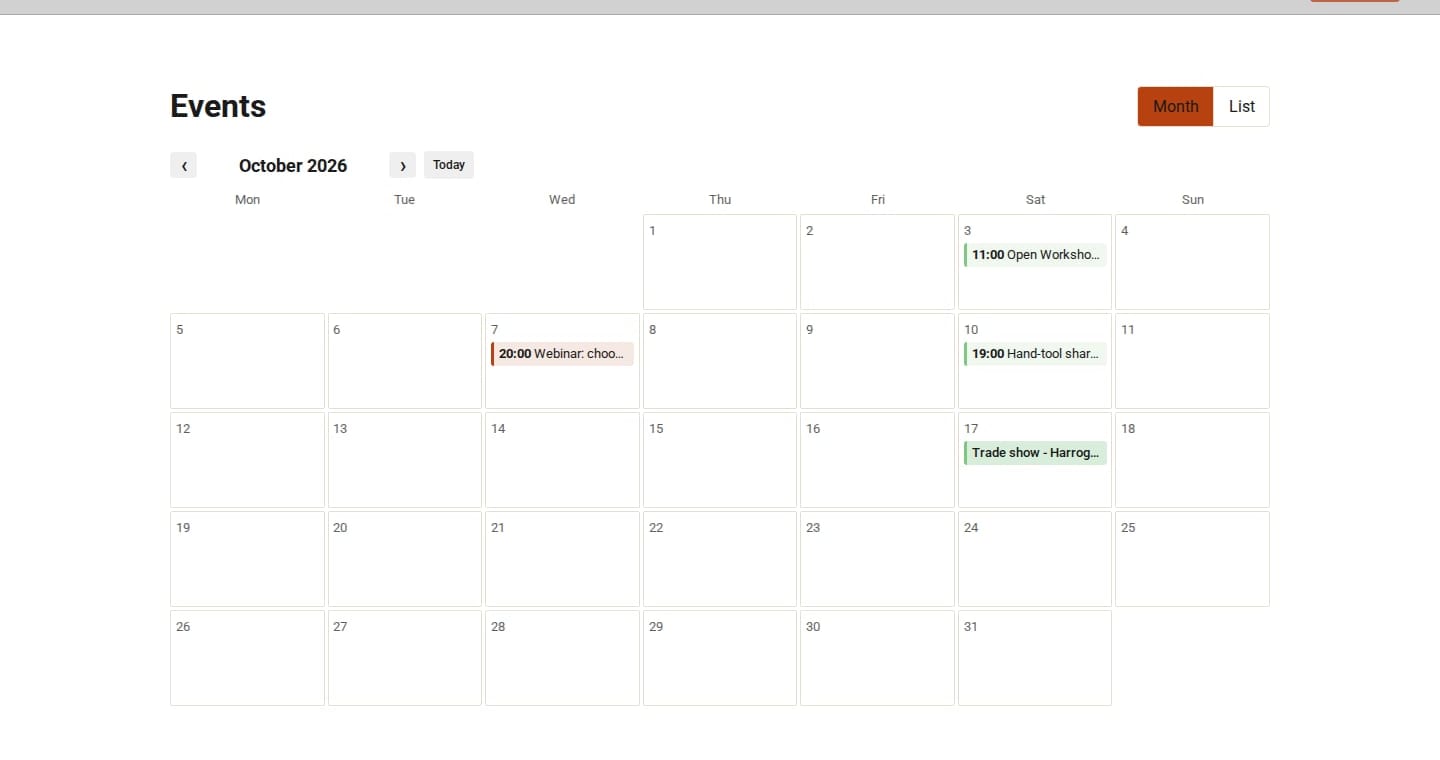
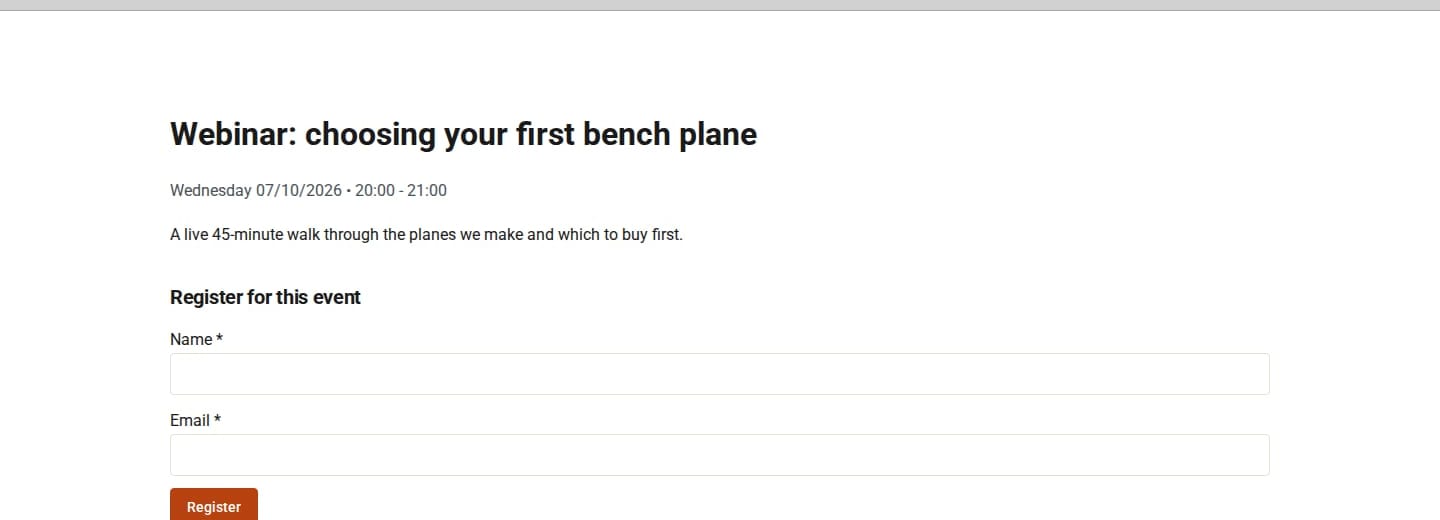
Screens from our ACME Ltd demo site. Every name in them is made up.
See it in 5 minutes
- Open Calendar and press N. Give the event a title, a type and a start time.
- Tick Public on the site and turn on RSVP.
- Set it to repeat every month on the first Tuesday, until December.
- Visit
/calendaron your site: the event is there, with its own page and an RSVP form. - Copy the iCal feed link from the public page and add it to your phone's calendar.
Works with the rest of your site
Contacts
Invite contacts and whole groups; people who RSVP can be added to your contacts.
Notes
Attach notes to an event and see an event's notes beside it.
Todo
Your open to-dos appear on their due days.
Contacts Pro
Birthdays appear as all-day items.
Email and Mail Reader
Choose Schedule with (name)... on any email: a new meeting with the sender, already invited when they are one of your contacts.
Booking
Bookings show on the Calendar, and your own events block your booking times.
Good to know
Private events never reach the public site. A private invite link can be revoked at any time, and event pages opened by link are hidden from search engines.
What it needs
Nothing extra. Contacts, Notes and Todo add their features when they are switched on.
Questions
Yes. [calendar limit="3" /] shows the next three anywhere on the site, and [calendar view="month" /] shows a month grid.
Calendar Organisers create and manage their own events; Calendar Admins manage everything. Give either role to anyone on your team.
Goes well with
Add Calendar to your site
Calendar is a Pro Tool. Tell us about your site and we will set it up with you.