Domma Blog
Releases, insights and how-tos from the people who build and maintain Domma Reactive, Domma JS, and Domma CMS.

Docs and Docs Pro: your documents, from draft to done
Docs puts a proper document editor in your admin. Docs Pro publishes handbooks with a Kindle-style reader, gets agreements signed, reviews with comments and suggested changes, and starts you off with ready-made templates.
Read the story
Releases
Domma Reactive 1.3: array helpers in your bindings
Domma Reactive 1.3.0 adds thirteen built-in array helpers to binding expressions, with observable item reads tracked so counts, filters and totals update as the data changes.
Releases
Backup Pro: you always see what Domma did
Scheduled, encrypted backups of every site, restores that are tested in a sealed-off copy - and a record the site owner can read of every backup and every restore, including the ones we started.

Releases
Accordions, safer bindings and Domma Reactive 1.2
A fix for accordions that opened to an empty panel, and a reactive core that now fails safe when a binding is handed the wrong thing. Domma JS 0.50.1, Domma Reactive 1.2.0 and Domma CMS 0.101.5.

Releases
Domma CMS 0.90 to 0.101: what changed
SEO built in, boxes that follow the theme, forms that greet visitors by name, dates in dd/mm/yyyy, loading placeholders and a sidebar you can rearrange - the highlights of a busy run of releases.
Deep dives
Forms that react: triggers and conditional logic
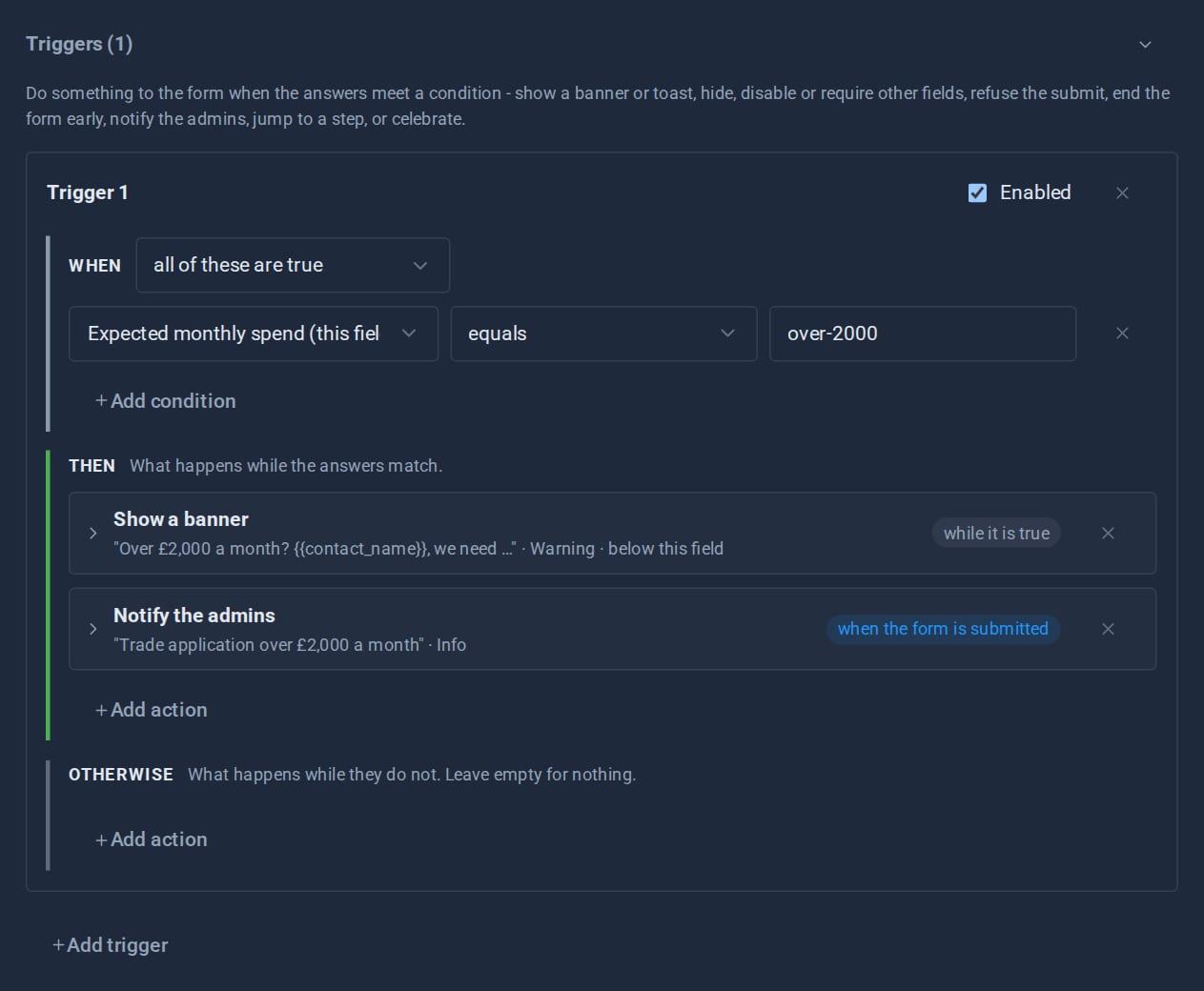
Show a field only when it matters, warn before a visitor goes further, end a form early, jump a wizard step, tell the admins - all set up in the form editor, and all re-checked on the server.
Releases
Tools that switch off safely
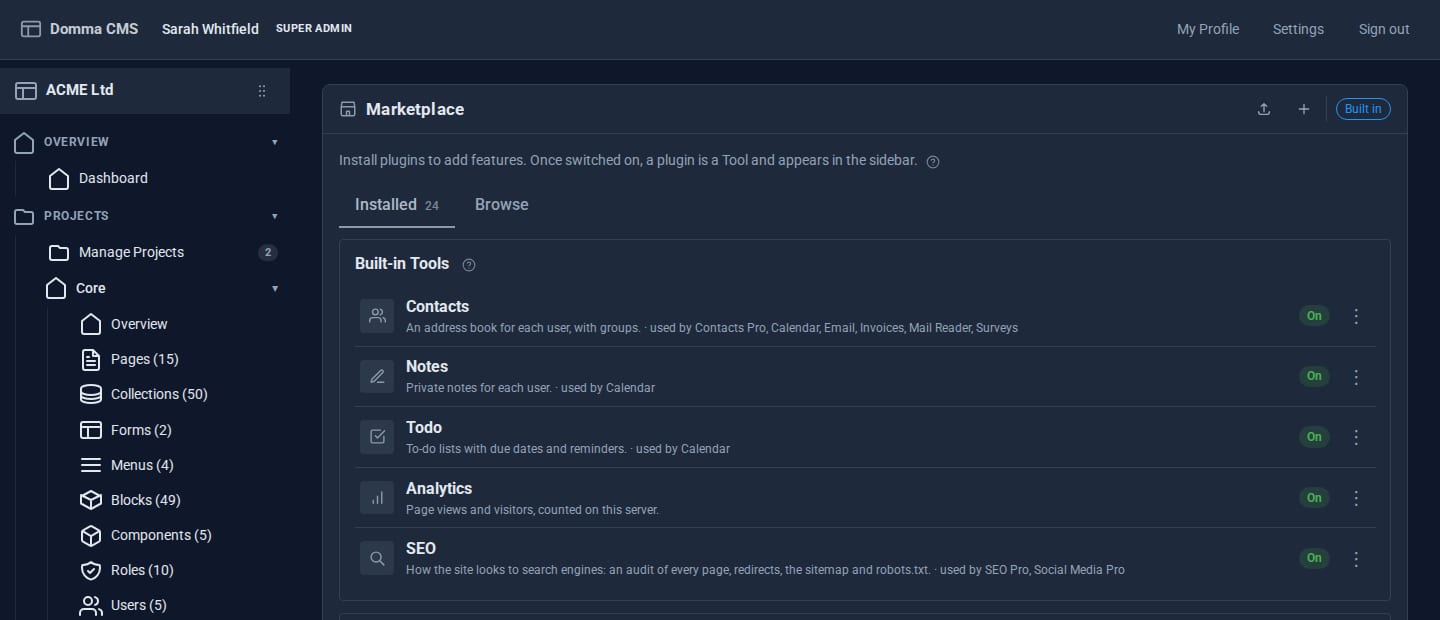
Since 0.88, the built-in Tools can be switched off - but only through a plan that shows you everything the switch would affect, and never in a way that breaks something else.
Deep dives
The Pro Suite: one umbrella, not nineteen apps
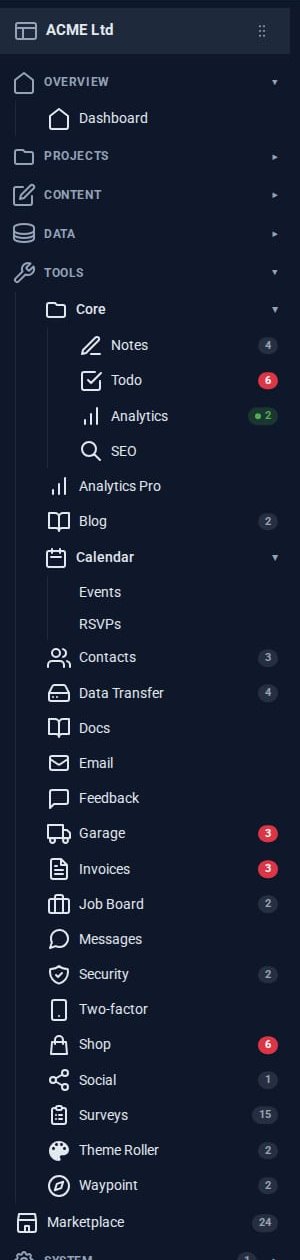
A small business usually pays for a mail app, a CRM, an invoicing service, a shop, a project board and a survey tool - and copies data between them. The Pro Tools share one admin instead.

Behind the scenes
Running nine sites on one server
Every hosted Domma CMS site, this one included, runs on one server under the Domma Manager. What that looks like day to day, and what it has taught us.

Deep dives
Theming a site without a designer
Built-in themes, automatic day and night, re-theming one region of a page, and - with Theme Roller - themes of your own. How far you can take a Domma site's look without writing CSS.
Deep dives
Why Domma never uses eval
Knockout-style bindings usually mean compiling strings into code at runtime. Domma Reactive parses them by hand instead, so it runs under a strict Content Security Policy.
Deep dives
One collection, eight looks
Define your data once, then show it as a table, cards, a list, an accordion, a timeline, a carousel, a list group or your own block template - and let visitors search and filter it.
Deep dives
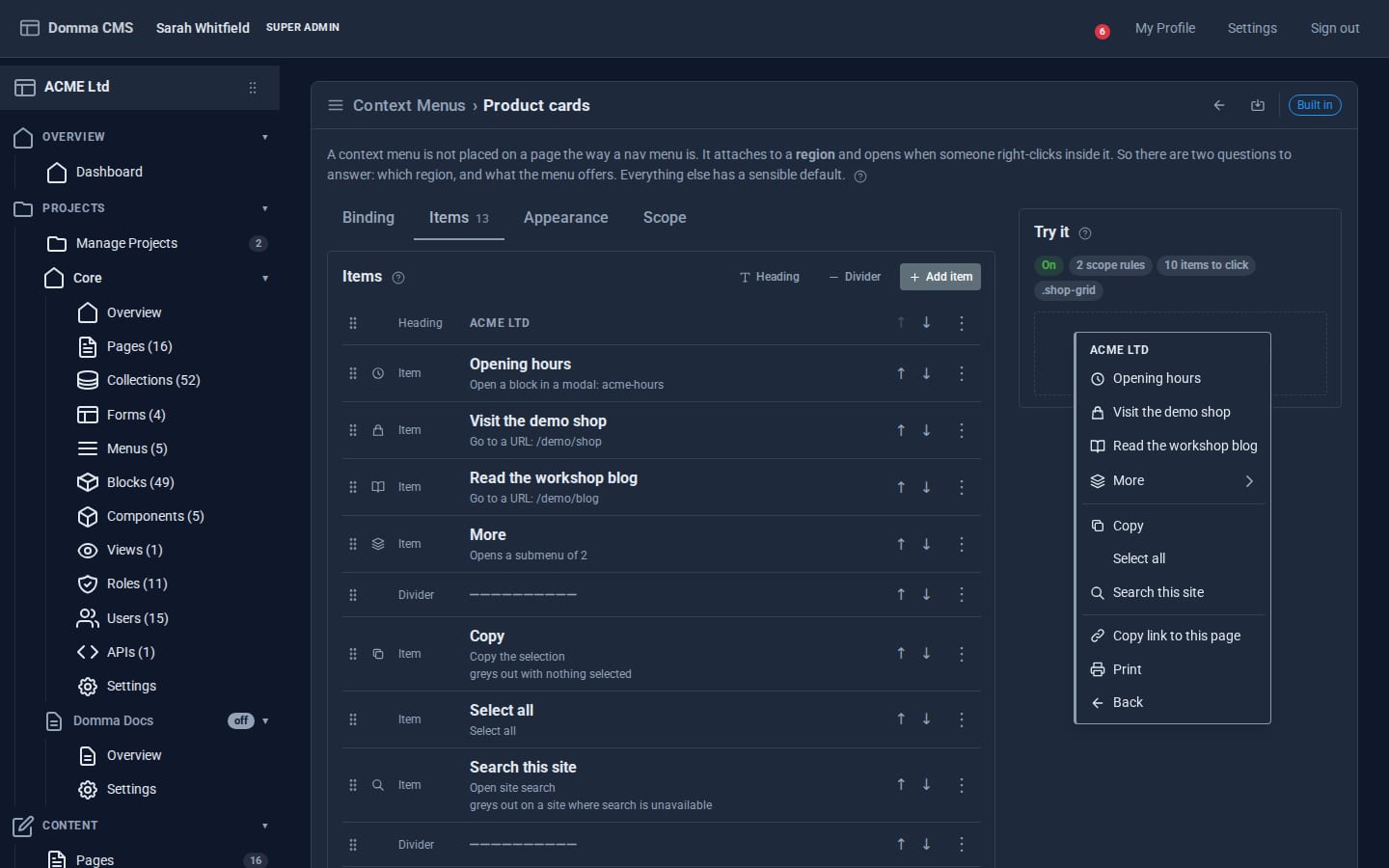
Right-click menus you author yourself
Domma CMS lets you give any region of your public site its own right-click menu - built in the admin, bound by selector, and without a line of JavaScript.

How-to
Your first 15 minutes with Domma CMS
One command, a four-question wizard and a dashboard that tells you what still needs doing. Here is what the first quarter of an hour with Domma CMS looks like.
No posts here yet.